
Work on Web03 and web04
Extra Challenge :
Change car Color -Layer
1. Take car and copy it. (Apple, shift, 4)
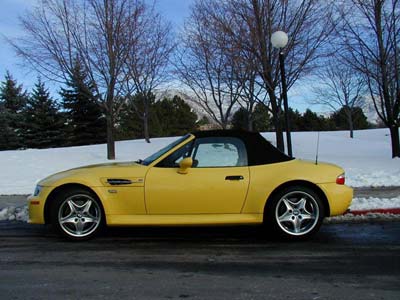
http://akvis.com/img/examples/coloriage/car-color/yellow-car-body.jpg
2. Take image ‘picture 1’ from desktop and Drag and drop in to PhotoShop.
3. Enhance---> Auto levels
4. Select the Magic Wand Tool.
5. Hold the Shift key down and click on all the areas you want to copy.
6. Copy (edit-->copy)
7. New layer - opacity 65%
8. Paste (edit -->paste)
9. Pick a color and fill picture with bucket.
10. Save (format--> JPEG)
11. (Quality 3) ok
